Introduction
Setting up the onn 5.1.2 soundbar transforms your home into an immersive audio environment. Its advanced features ensure a high-quality sound experience. This guide will equip you with all the steps you need to make the most out of your new sound system.
Unboxing and Preparing for Setup
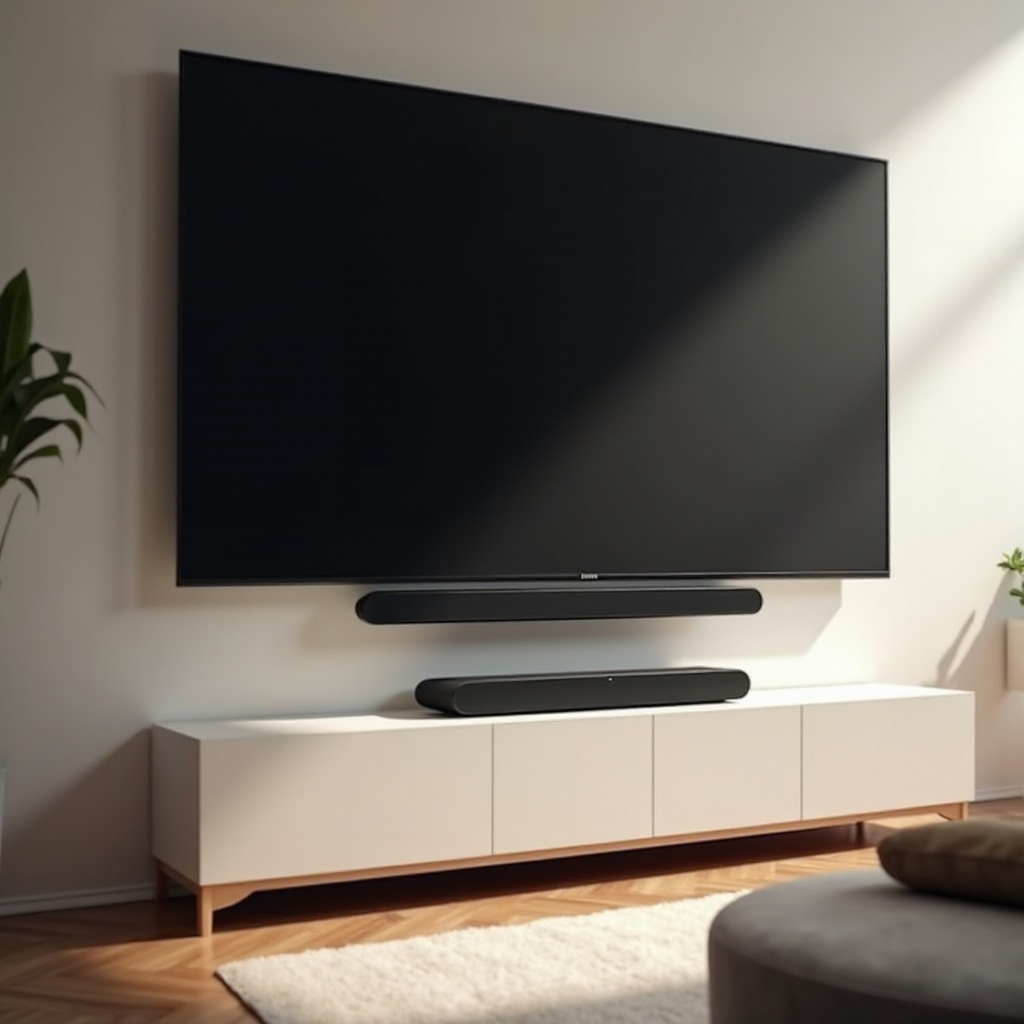
Before installation, unwrap your soundbar and gather the contents: the soundbar itself, a remote control, HDMI and optical cables, power cords, and the user manual. This initial stage is crucial for organizing each part to streamline the installation process. Choose your location wisely, considering factors that can impact sound quality such as room acoustics and potential obstacles that might block sound waves.
Connecting Your onn 5.1.2 Soundbar
With everything in place, the next step is connecting your soundbar to your devices effectively.
- HDMI ARC/Optical Cable Setup:
- First, find the HDMI ARC port on your TV and on your soundbar.
- Use the provided HDMI cable to make the connection. If ARC isn’t available on your TV, use the optical cable alternative for audio.
-
Once connected, ensure cables are fastened correctly to prevent audio dropouts.
-
Bluetooth and Wireless Connections:
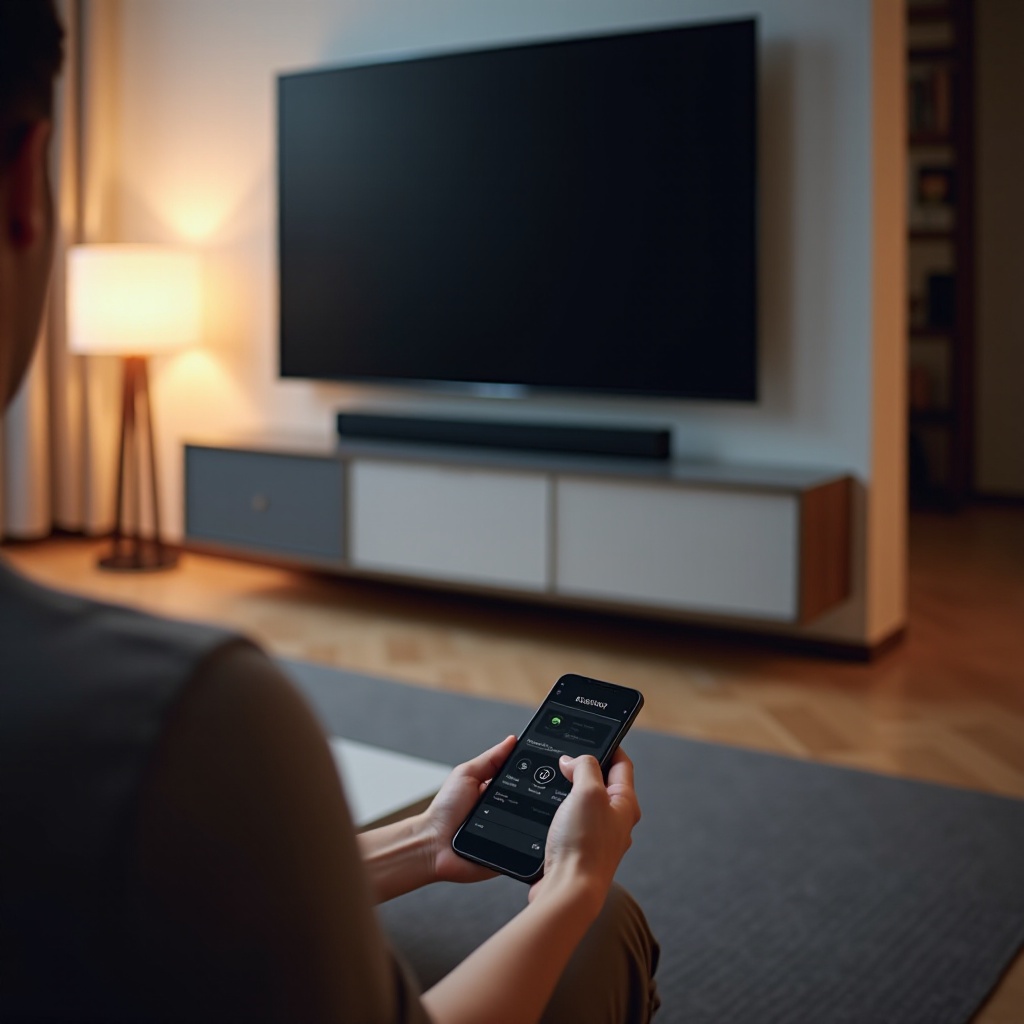
- Activate Bluetooth on your TV, smartphone, or other device you plan to connect.
- Search for the onn 5.1.2 in available devices and pair.
- After pairing, verify the connection with a quick audio test to ensure everything is functional.
These steps guarantee a stable audio connection, setting the stage for richer sound quality.
Positioning the Speakers
Placement is vital for ensuring the best sound output. Correctly positioning the speakers can greatly influence your overall listening experience.
- Ideal Placement for Soundbar:
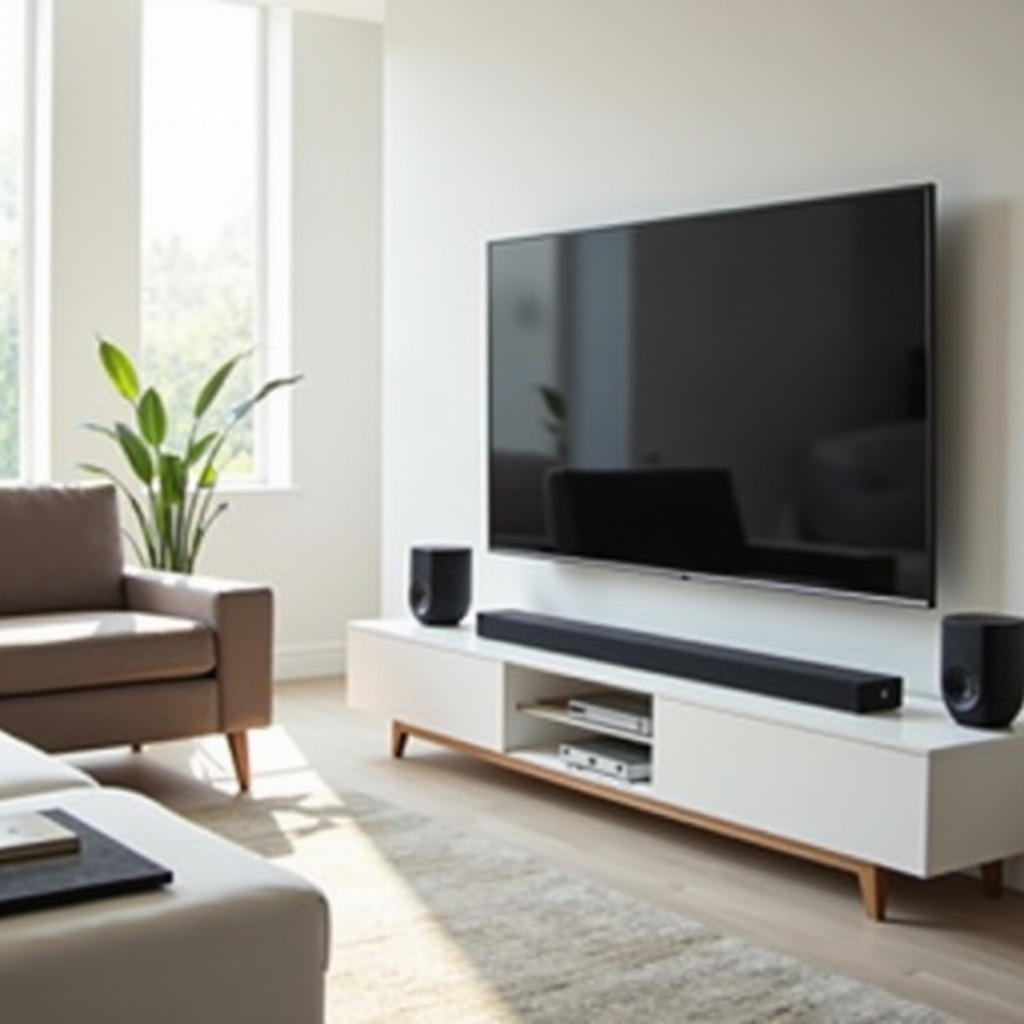
- Position the soundbar directly beneath your TV for symmetrical sound distribution.
-
The soundbar should be level, facing directly outwards, without obstructions in front of it.
-
Rear Speakers and Subwoofer Placement:
- Place the rear speakers evenly behind your main seating area. This positioning is key for capturing dynamic surround sound effects.
- Position your subwoofer near a corner or near the front wall, allowing it to maximize the impact of bass frequencies.
Proper placement aligns with the soundbar’s capabilities, yielding a balanced and enveloping audio experience.
Configuring Audio Settings
Having placed the speakers, focus now shifts to audio customization to suit your individual taste.
- Choosing Sound Modes:
-
The soundbar comes preloaded with modes tailored for movies, music, or voice emphasis. Experiment with these settings to find your preferred soundscape.
-
Calibrating Audio for Optimal Performance:
- Navigate through the soundbar’s settings menu using the remote. Adjust parameters like bass, treble, and balance until the sound matches your preferences.
These adjustments are integral to crafting an audio experience that’s both immersive and personalized.
Troubleshooting Common Setup Challenges
If you experience issues, don’t worry—troubleshooting is often simple. Here’s how to tackle common problems:
- Resolving Connectivity Issues:
- If there’s no sound, re-check all connections to ensure they’re secure.
-
For Bluetooth problems, ensure both devices are in range, and consider restarting them.
-
Fixing Audio Output Problems:
- Should audio dropouts occur, verify that cables aren’t loose.
- Cycle through sound modes, as incorrect settings might hamper performance.
By following these solutions, you ensure that your soundbar functions at its best.
Conclusion
Having gone through this guide, you are equipped to fully enjoy your onn 5.1.2 soundbar. From connection to configuration, each step contributes to an enhanced audio experience, and these insights bring your home theater setup to a new level. Enjoy the journey as your living space transforms into an entertainment powerhouse.
Frequently Asked Questions
How do I reset my onn 5.1.2 soundbar?
To reset your onn 5.1.2 soundbar, turn it off, then hold the power button for 10 seconds until the LED flashes.
What is the best position for the subwoofer?
Place the subwoofer near a wall corner to enhance bass impact and minimize distortion.
Can I connect the soundbar to my smartphone?
Yes, enable Bluetooth on your smartphone, select the onn 5.1.2 soundbar from devices, and follow pairing instructions.